



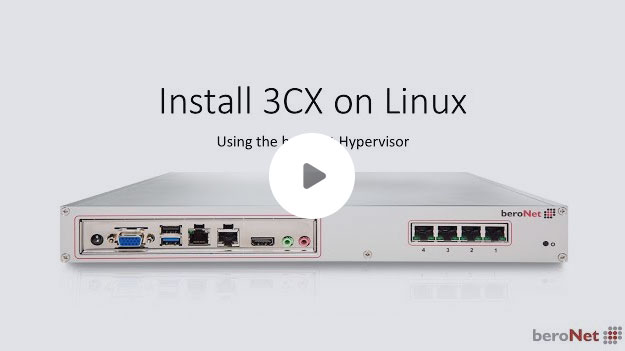
3CX veröffentlichte kürzlich die Beta von 3CX für Linux, so dass wir Ihnen in diesem Video zeigen möchten, wie man eine VM mit Debian 8 aufsetzt und dann dem 3CX Manual folgend 3CX für Linux installiert.

Universal Customer Premises Equipment
Inhalt
-
-
-
-
-
-
-
-
-
- Einleitung
- Szenario
- Unterschied zwischen vCPE und uCPE
- Aufbau und Funktionsweise eines uCPE
- Leistungsmerkmale und Vorteile eines uCPEs
- Fazit
- Schon gewusst?
-
-
-
-
-
-
-
-
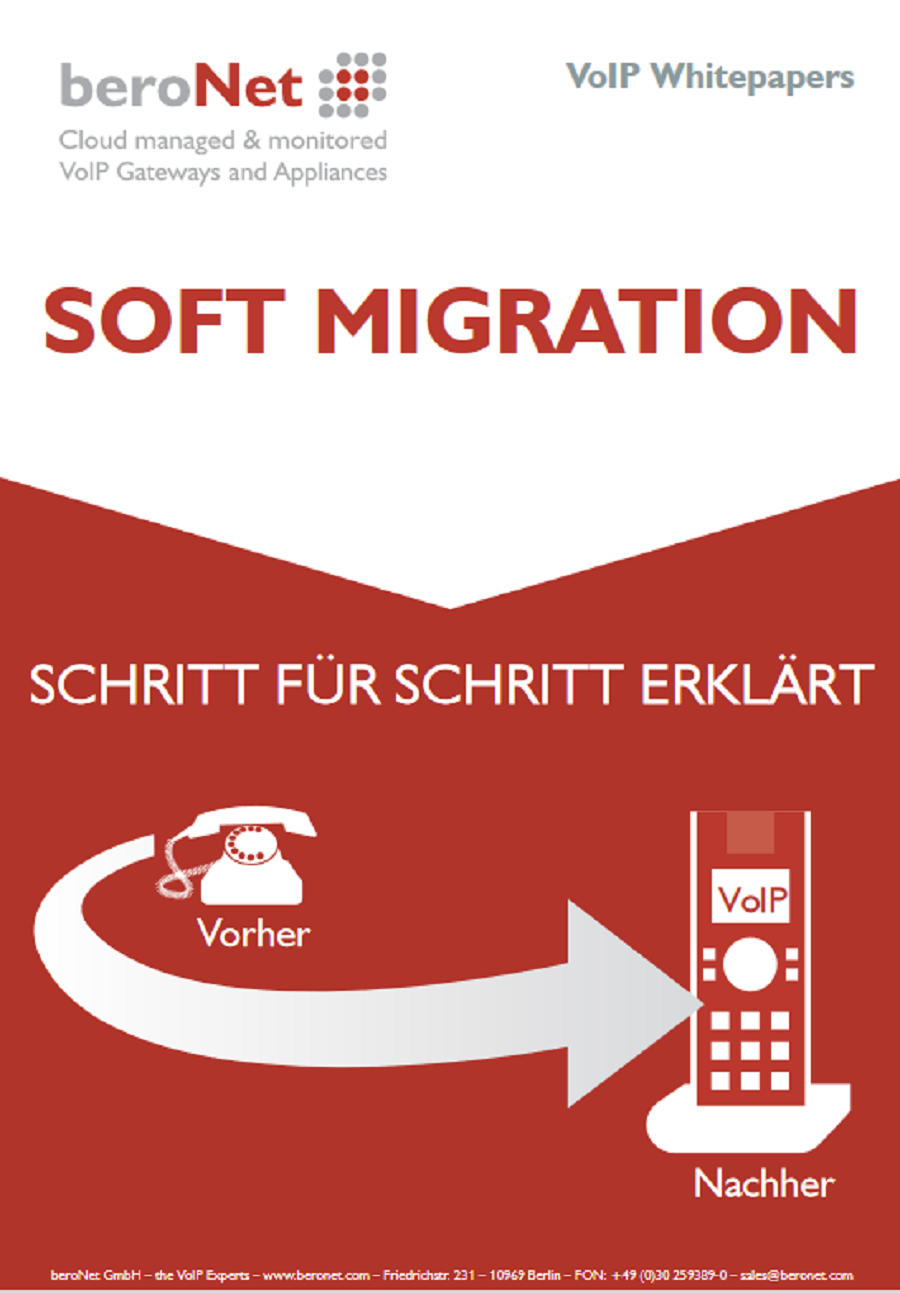
Soft Migration
Inhalt
-
-
-
-
-
-
-
-
-
- Einführung
- Ist-Umgebung & Soll-Umgebung
- Der Migrationsprozess
- Testphase & Pilotphase
- Umzug der noch benötigten Zusatzgeräte auf das VoIP-System
- Sukzessiver Umzug aller Abteilungen
- Rückbau der klassischen TK-Geräte und Infrastruktur
- Fazit
- Das beroNet Gateway
- Der beroNet Failover Switch
-
-
-
-
-
-
-
-

All-IP Umstellung
Inhalt
-
-
-
-
-
-
-
-
-
- Einführung
- Ist-Situation
- Kompatibilität der vorhandenen TK-Anlage
- Bandbreite
- Handlungsstrategie
- Fazit
- Das beroNet VoiP-Gateway
-
-
-
-
-
-
-
-
Migration von einem Avaya-Telefonsystem auf 3CX.
Diese Fallstudie beschreibt, wie ein führendes europäisches Unternehmen seine Kommunikationsprobleme gelöst hat, indem es von der traditionellen PBX auf die 3CX Windows-basierte PBX-Software und die beroNet VoIP-Zugangstechnologien (Gateways) migriert ist, um eine sanfte Migration zur besten VoIP-Kommunikation mit Redundanzen, Multi-Site-und Fax-Integration durchzuführen.
Tools und Downloads
Suchen Sie nach Ihrem Produkt, um die neueste Software und Downloads zu erhalten.
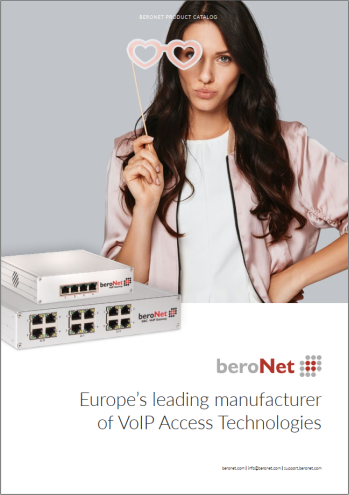
beroNet Produkt Katalog
Entdecken Sie alle beroNet Produkte und Dienstleistungen in einem herunterladbaren Katalog!
(September 2021)